Does Dedupify work with custom objects?
Yes. Dedupify works across Contacts, Companies, Deals, Tickets, and custom objects, each with its own matching rules. Custom objects require a HubSpot Enterprise subscription; Dedupify asks for custom-object access during install, and if you skipped it you can reconnect Dedupify to grant it later.
What happens to the merged data?
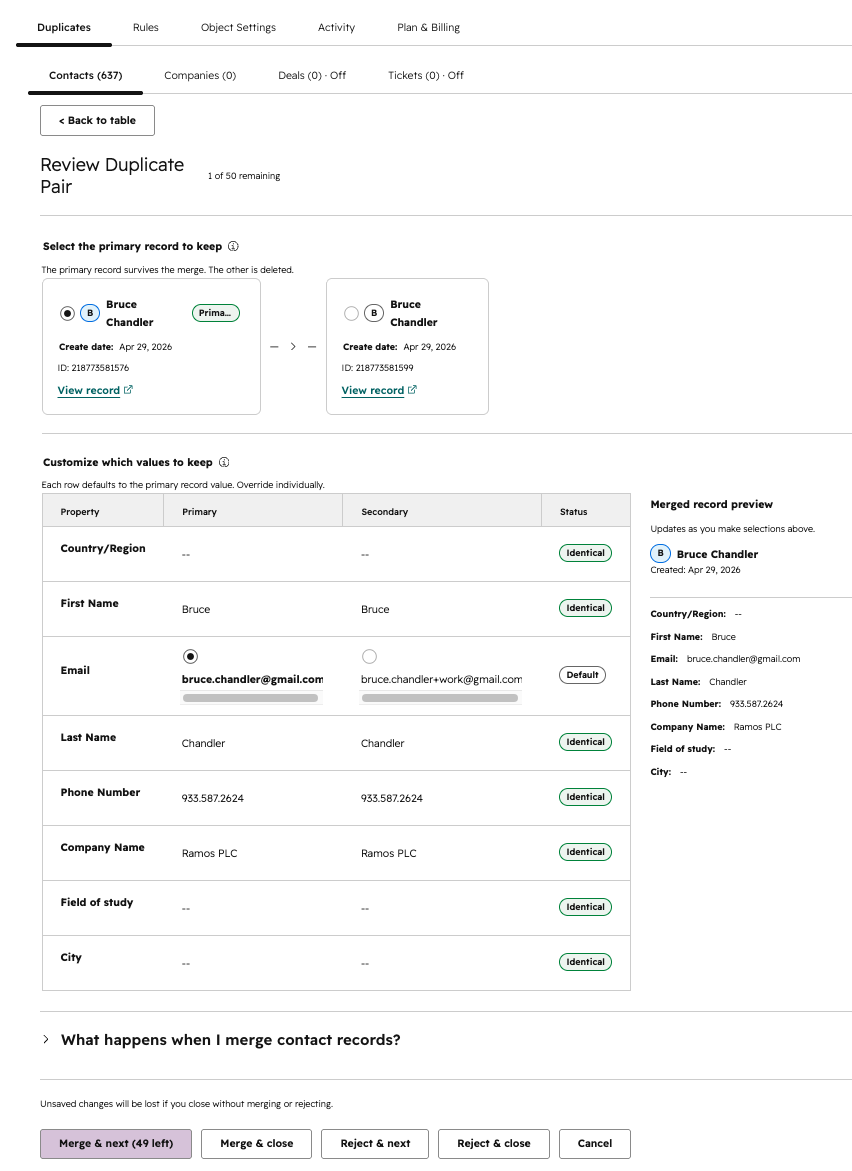
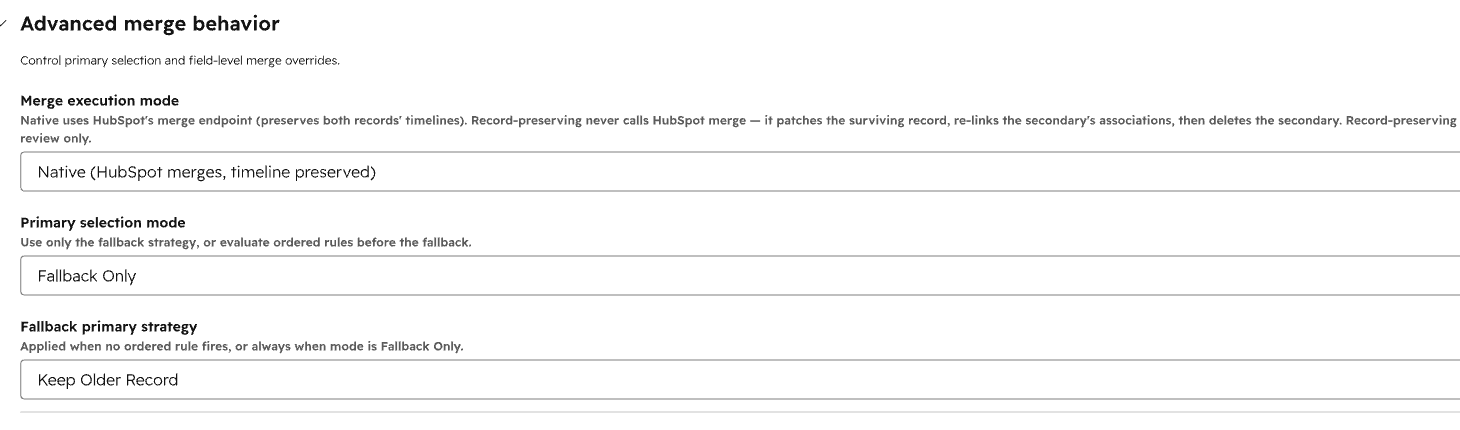
Dedupify surfaces candidate duplicates for manual review with the properties and scores used to find them. In review mode, you choose which value wins on every field. In auto-merge mode, the primary record is determined by your ruleset.
Can I test my matching rules before merging anything?
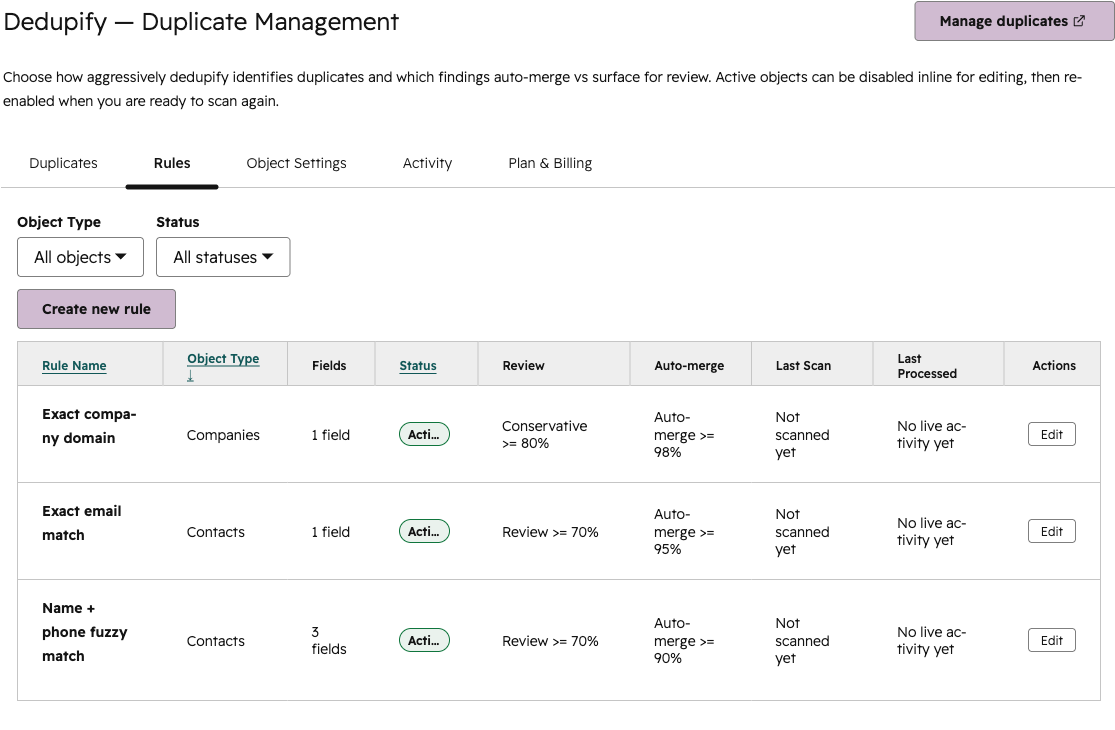
Yes. Start with manual review mode, inspect the candidate pairs Dedupify surfaces, and tune your rules before approving a single merge. When you're confident, flip to auto-merge.
Can a merge be undone?
No. Merging is permanent — this is a HubSpot platform limitation, not a Dedupify one: once two records are merged, HubSpot does not support unmerging them. That's why review mode exists — inspect every candidate pair before you approve a merge, and only move to auto-merge once you trust your rules.
How is Dedupify faster than Insycle or Koalify?
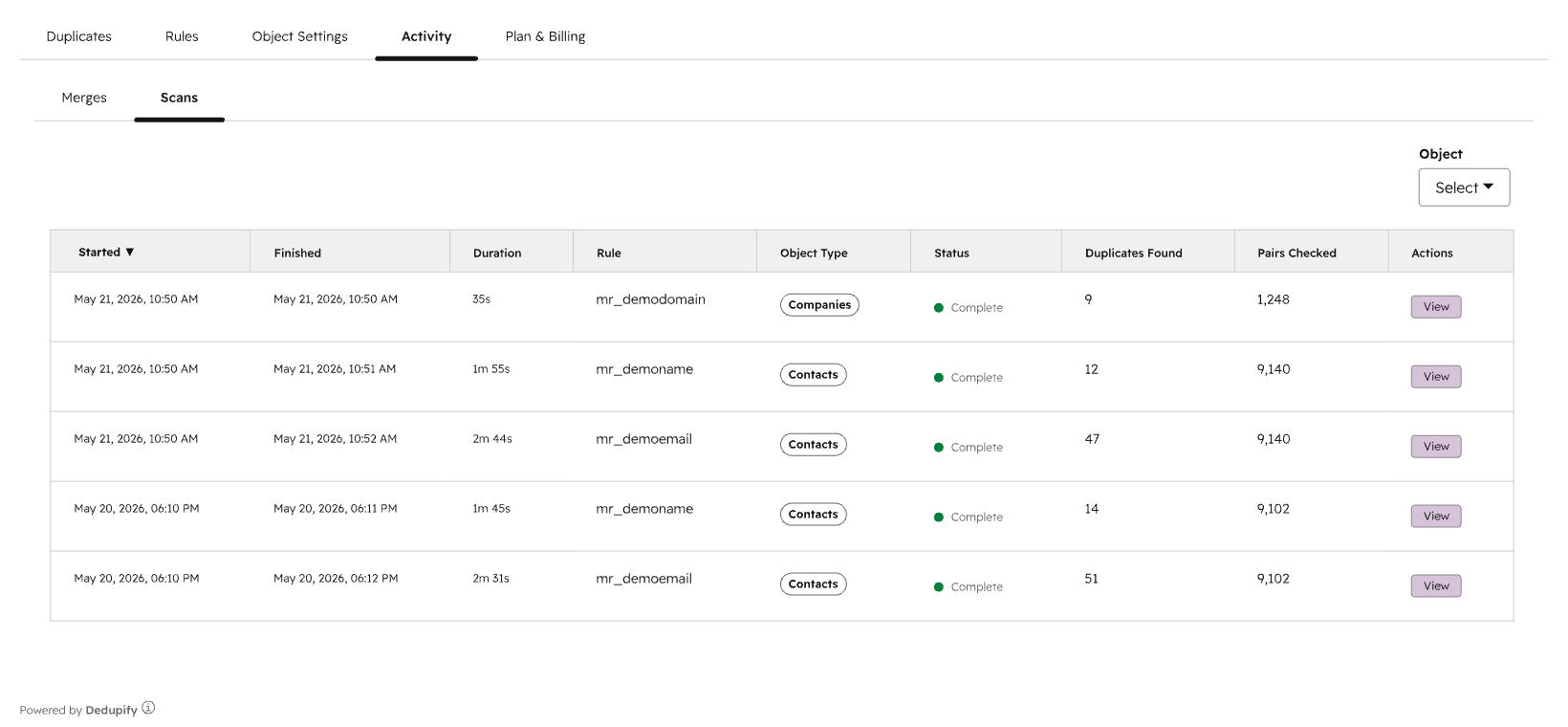
Both Insycle and Koalify rely on scheduled scans or manual triggers. Dedupify watches records in real time the moment they're created or updated, so duplicates are caught before they spread to workflows, sequences, or your team's inbox. No batch window, no overnight queue.
Do I need Operations Hub to use Dedupify?
No. Dedupify works independently of Operations Hub. You do not need a paid Ops Hub tier to access auto-merge, real-time detection, or any other feature.
What permissions do I need to install?
HubSpot Super Admin access is required to install Dedupify from the App Marketplace.
Is there a free trial?
You don't need one right now. Dedupify is free while it's in beta, with every review feature included. Auto-merge is reserved for paid plans. We'll email you before the beta ends, and nothing is charged until you choose a plan. After the beta, new installs start with a free trial.