Dedupify#
Welcome to the Dedupify Knowledge Base. Here you will find everything you need to set up duplicate detection, configure matching rules, and review candidates before merging them in HubSpot.
Overview#
Dedupify watches your HubSpot CRM for new and updated records, evaluates them against the matching rules you configure, and queues likely duplicates for review inside HubSpot. Stop wrestling with inflated contact counts and skewed metrics caused by duplicate records.
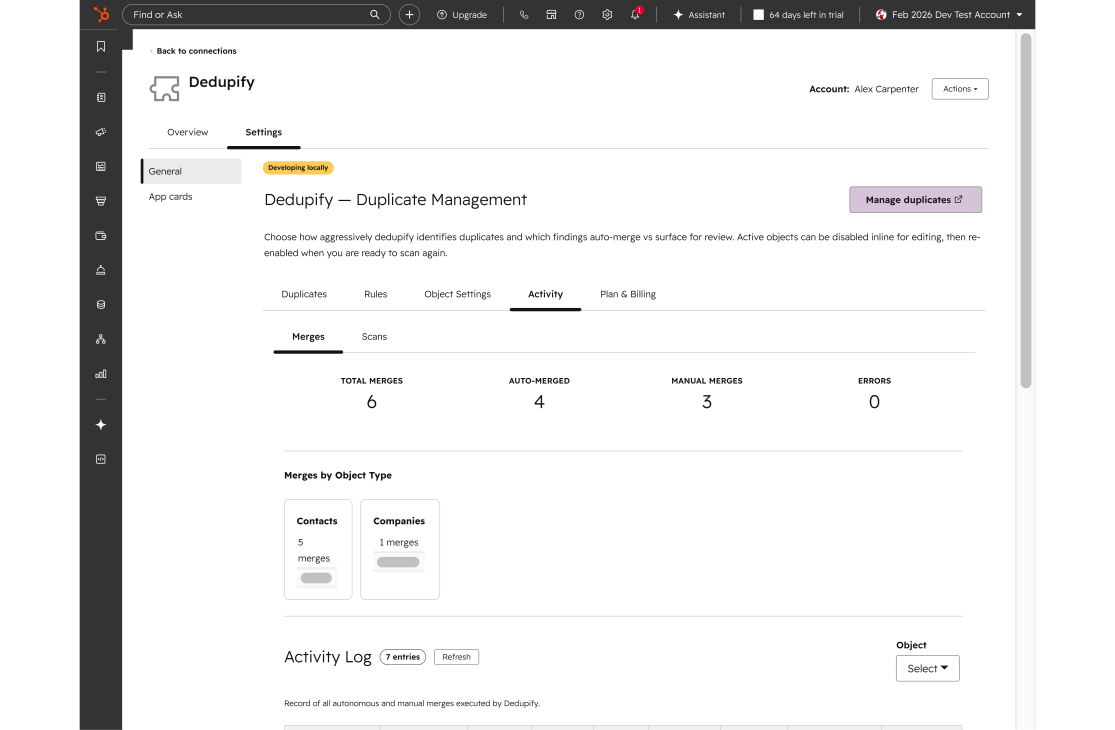
Defining match rules in the Dedupify settings.
Capabilities#
- Configurable Match Rules & Recipes: Define what makes a duplicate for each object type by choosing the properties that matter. Dedupify applies the right comparison logic for each property automatically — you never choose an algorithm.
- Automatic, Field-Aware Matching: Each recipe handles the normalization details for its field type: email aliasing and typo-fixing, phone formatting across country codes, domain root comparison, name variants, and more.
- Rule Strength Guidance: Each rule displays a strength score (0–100) with a plain-language label — Strong, Good, Weak, or Danger — so you know how confidently a rule identifies true duplicates before you activate it.
- Review Queue with Optional Auto-Merge: Candidate pairs reach a side-by-side review queue where you approve or dismiss each one. Auto-merge can be enabled on paid plans for rules that meet the required strength threshold.
- Survivorship & Safety Controls: Set a review threshold per rule, configure hard-match requirements on critical fields, and preview merge outcomes before anything is written back to HubSpot.
- Near-Real-Time Detection Plus On-Demand Rescan: Dedupify catches duplicates as records are created or updated. You can also trigger a manual rescan at any time from settings.
- Supported Object Types: Contacts, Companies, Deals, Tickets, and custom objects (Enterprise) — each configured and activated independently.
Start Here#
- Installation & First Run — install the app, activate object types, and understand your first scan.
- Match Rules & Recipes — create rules, choose properties, and interpret rule strength.
- Supported Properties — catalog of every recipe and guidance on which properties build reliable rules.
- Thresholds & Auto-Merge — set review thresholds and, when ready, enable auto-merge.
Explore the full sidebar for scanning, plans & billing, object settings, and more.